Smart TV Privacy
Can Your Smart TV Actually Watch You?
Cameras, microphones, viewing-data collection, and five privacy settings worth checking.
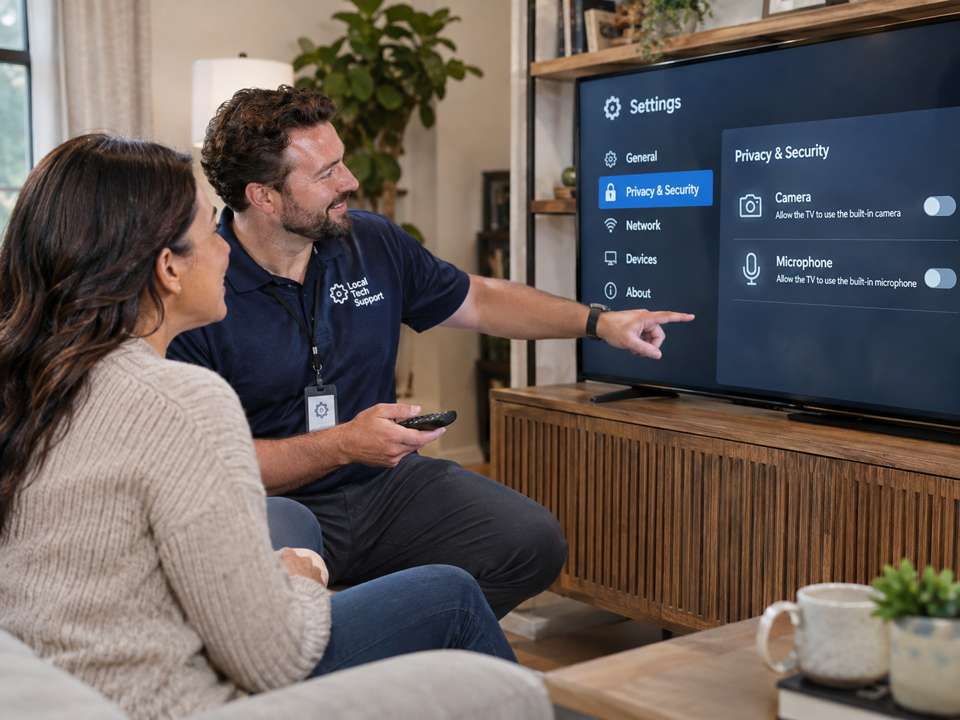
What can a TV actually see?
Some smart televisions have built-in cameras or support optional camera accessories for video calling, gesture control, or other functions. Most modern smart TVs do not have built-in cameras. To check yours, find your exact model number in Settings or on the rear label and look up its specifications on the manufacturer's website. A small dark sensor on the TV is not necessarily a camera.
Can it hear you?
Some televisions have microphones in the remote, while others support hands-free wake-word listening. Local wake-word detection is not the same as continuously uploading your conversations. Processing varies by TV model, voice service, and privacy permissions. Check Voice Recognition, Hands-Free Voice, or Microphone settings and switch off anything you don't use.
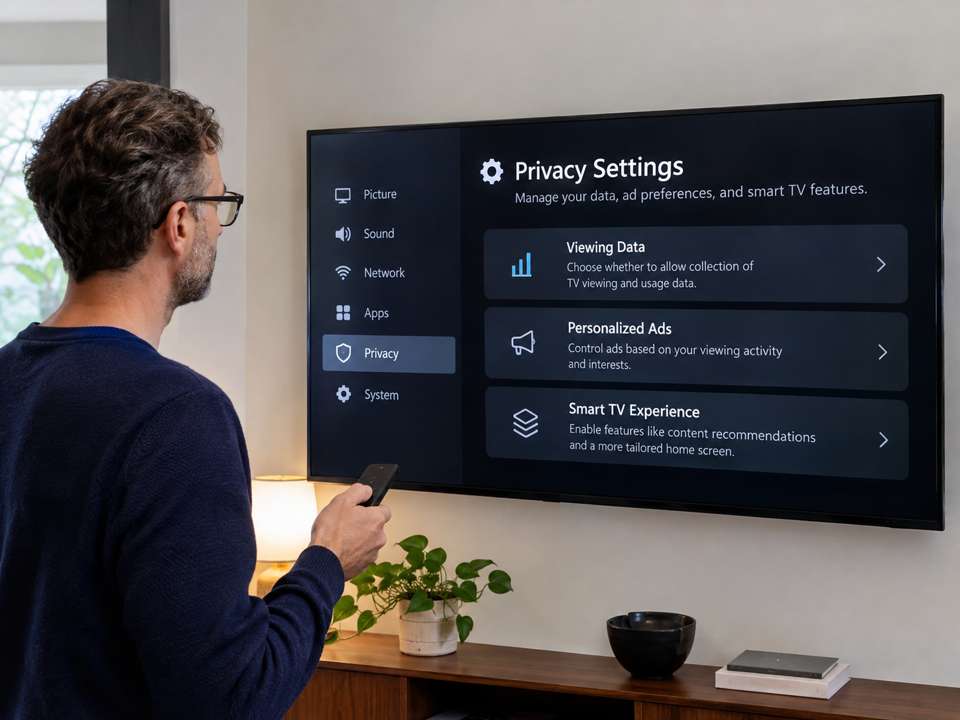
What does it know without a camera?
Many televisions and streaming apps collect usage information. Some TVs have Automatic Content Recognition (ACR), which identifies content playing on the TV using audio or video fingerprints. Depending on the model, this can include content from an HDMI device. That is tracking what is on the screen—not photographing viewers.
Could someone hack a smart TV?
Like other internet-connected computers, smart TVs can contain security vulnerabilities. An attack against a device equipped with a camera or microphone could potentially pose privacy risks. That doesn't mean strangers routinely watch people through televisions. Keep the software updated and disable unnecessary features.
Five privacy checks for tonight
1. Look up your exact model and confirm whether it has a camera. 2. Disable hands-free voice features if you don't use them. 3. Review Automatic Content Recognition and Viewing Information settings. 4. Install available TV updates. 5. Remove unused apps and review their privacy settings.
The bottom line
Some TVs have cameras, some have microphones, and many can identify what you're watching. But those are different capabilities. Understand your own television's features, choose which to enable, and avoid assuming that every TV is secretly filming you.
Further reading
Samsung Smart TV privacy: https://www.samsung.com/us/info/privacy/smarttv/ — LG smart TV privacy: https://www.lg.com/us/newsroom/corporate/statement-understanding-privacy-on-lg-smart-tvs
Need help with your technology?
Gulfway Tech offers friendly on-site technology help in Port Charlotte, Punta Gorda, North Port and Englewood.