Smart TV Privacy
Your TV Is Taking Notes: How to Limit Viewing Tracking
What Automatic Content Recognition means and how to adjust Samsung, LG, Roku and Vizio TV settings.
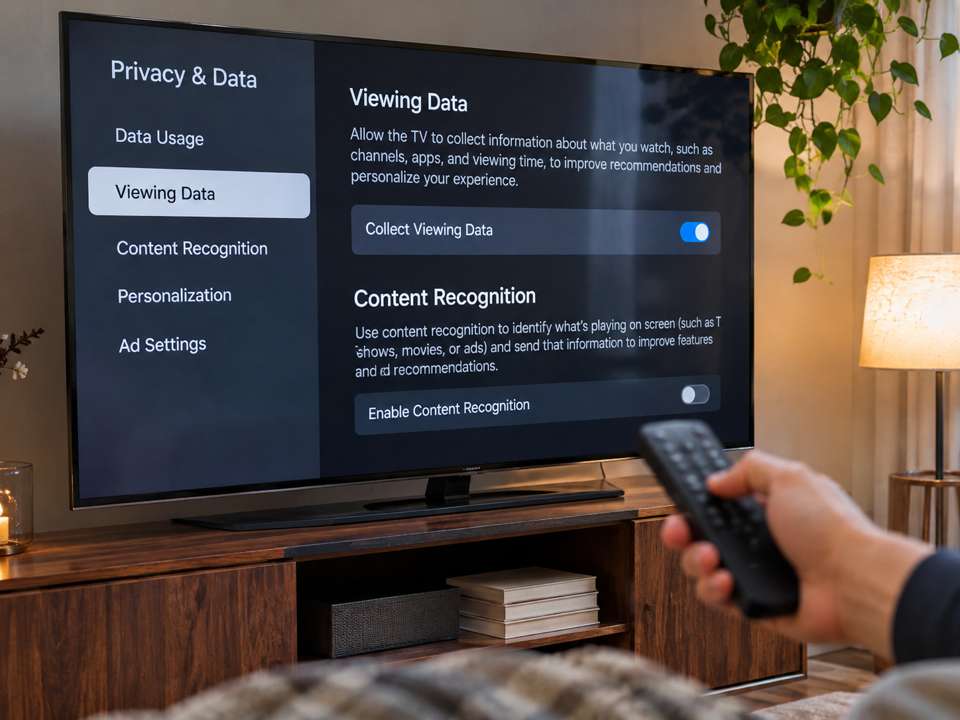
What is Automatic Content Recognition?
Automatic Content Recognition, or ACR, can identify TV programs, ads and other content using audio or visual fingerprints. On some television models, it may also identify content through connected HDMI devices. Think of it as Shazam for what's playing on your screen.
Why does it matter?
Manufacturers and partners may use this viewing information for audience measurement, recommendations, or targeted advertising, depending on the product, settings and consent choices. ACR tracking is distinct from cameras and microphones.
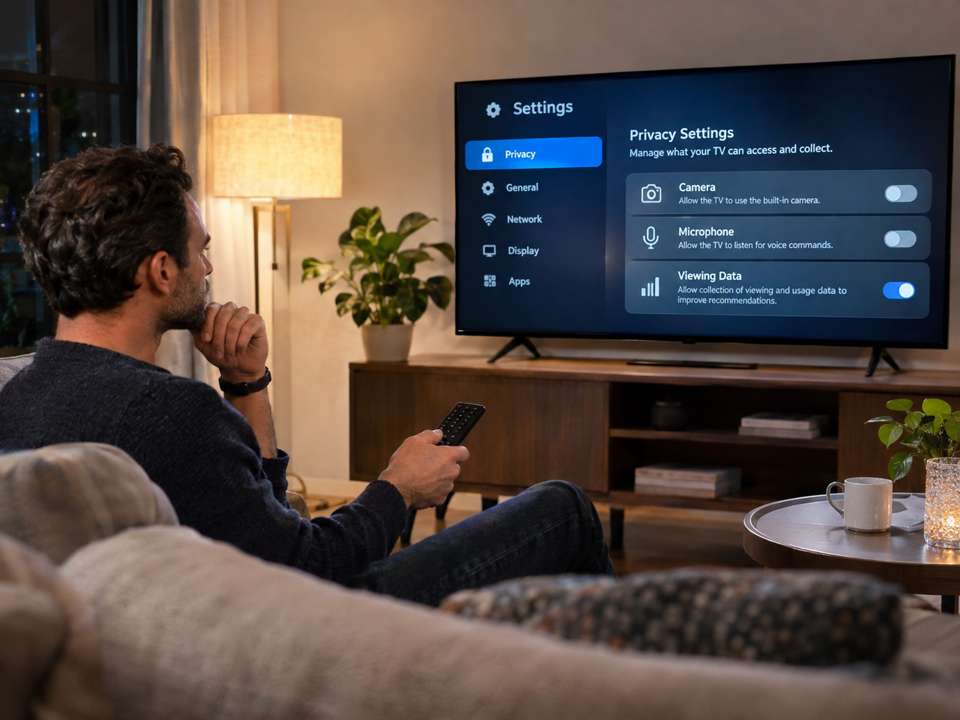
A real privacy case
In 2017, Vizio agreed to a $2.2 million settlement over FTC and New Jersey allegations that viewing histories had been collected from approximately 11 million TVs without adequate consumer knowledge or consent. It's a historical enforcement case, not proof that all current models behave the same way.
Samsung: Viewing Information Services
Open Settings and review the privacy agreements for Viewing Information Services, Samsung's ACR consent option on supported TVs. Disable it if you do not want ACR viewing-data collection. Settings vary by model and year.
LG: Live Plus
Look in Settings for Live Plus or Viewing Information Agreement. On supported LG TVs, those settings govern content-recognition features. Review personalized advertising separately.
Roku TV: Smart TV Experience
On supported Roku TVs, go to Home > Settings > Privacy > Smart TV Experience. Locate Automatic Content Recognition (ACR) and uncheck it if you don't want it enabled. Previously collected data isn't necessarily deleted when you turn it off.
Vizio: Viewing Data
On supported Vizio TVs, look for Privacy > Viewing Data in Settings, then review or disable that feature. Menu paths can differ across versions.
What ACR opt-out doesn't do
Turning off ACR does not stop all data collection. Streaming apps have their own viewing histories and privacy controls; TVs may still process information necessary for updates, services and accounts. Review those choices separately.
The bottom line
Spend five minutes checking your TV's privacy settings. Your television should entertain you; you should decide whether optional viewing-data collection is enabled.
Sources
FTC Vizio case: https://www.ftc.gov/news-events/news/press-releases/2017/02/vizio-pay-22-million-ftc-state-new-jersey-settle-charges-it-collected-viewing-histories-11-million — Samsung ACR: https://www.samsung.com/us/support/answer/ANS10010616/ — Roku TV help: https://support.roku.com/en-us/article/using-more-ways-to-watch-on-your-roku-tv
Need help with your technology?
Gulfway Tech offers friendly on-site technology help in Port Charlotte, Punta Gorda, North Port and Englewood.